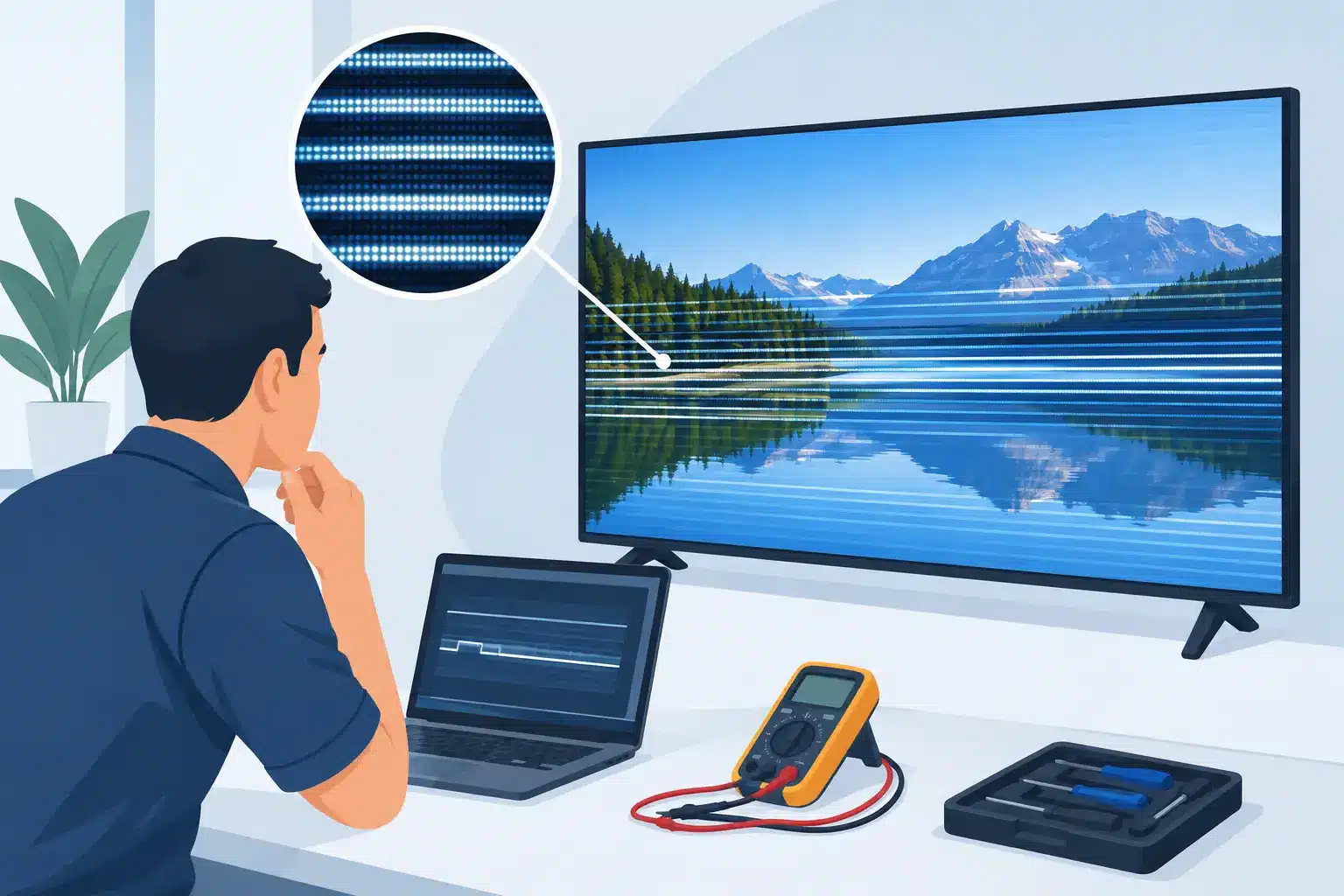
A scan line that appears during a wall check can look minor from the floor. On camera, at close viewing distance, or across a premium installation, it becomes a visible reliability problem. To diagnose LED scan line issues correctly, teams need to determine whether the line originates in the module, cabinet, data path, power system, receiving card, or video processing chain before replacing anything.
That distinction matters. A single horizontal or vertical line can be caused by a failed driver IC, a damaged PCB trace, an intermittent ribbon connection, a receiving-card output issue, poor signal integrity, or an incorrect configuration. Replacing a module may restore the image temporarily, but it does not prove the failed module was the source of the problem.
First, define what the scan line is doing
“Scan line” is often used for several different symptoms. A persistent dark row, a bright colored row, a line that flickers with motion, and a band that moves through the image are not necessarily the same failure. Start with a clear observation: does the defect stay in one physical location, follow a specific content source, appear only at certain brightness levels, or change after the cabinet is moved?
A line that remains fixed on the same row or column of pixels usually points toward a module-level or cabinet-level issue. A defect that shifts when the input, processor output, or mapped region changes is more likely upstream. If the line appears only in a camera image, it may be a refresh-rate, shutter-speed, or scan-ratio interaction rather than a visible display fault. The repair path depends on this first separation.
Use controlled test patterns rather than program content. Full-field red, green, blue, white, black, and low-gray patterns make color-channel and brightness behavior easier to identify. A moving grayscale pattern can also reveal whether the line is tied to refresh behavior or actual pixel output.
Diagnose LED scan line symptoms by isolation
The most useful diagnostic method is controlled substitution. Change one known variable at a time, then document whether the symptom moves, disappears, or stays fixed. This is faster and more defensible than replacing multiple parts based on appearance alone.
Check whether the fault follows the module
If the display architecture allows it, exchange the suspect module with a known-good module of the same model and revision. If the line moves with the module, the issue is likely on that module: driver ICs, shift-register circuitry, connectors, solder joints, PCB traces, LEDs, or associated components may be involved.
If the line remains in the original cabinet position after the module swap, inspect the cabinet-side signal and power path. Check module harnesses, HUB board connections, output ports, and connector seating. Do not assume a connector is good because it looks intact. Bent contacts, fatigued crimps, intermittent ribbon cables, and weak solder joints can pass enough signal to create partial or unstable output.
For rental inventory, record the module serial number, cabinet location, test pattern used, and swap result. That documentation prevents the same suspect module from being returned to active stock without a verified repair.
Determine whether it follows a receiving-card output
A horizontal band or repeated line pattern can be related to a receiving-card output, HUB board channel, or cable path. Move the data output feeding the affected section to a known-good output when the system design permits. If the defect moves with the output, the module is not the primary suspect.
Receiving-card configuration also deserves attention. Incorrect module parameters, loading files, mapping, scan settings, or firmware mismatches can create output that resembles a hardware defect. Configuration should be compared against a verified cabinet or the manufacturer-approved file, not adjusted by trial and error during a show build.
A fault that affects multiple adjacent modules in a consistent pattern is especially important. One failed module may create a single localized line. A repeated issue across a row, daisy-chained group, or port region more often points to shared signal distribution, receiving-card output, HUB board, power, or configuration.
Verify the processor and source chain
Before opening cabinets, eliminate source-side causes. Feed a known-good test source directly to the processor, confirm the input resolution and frame rate, and test a second processor output if available. Check whether the line follows the output, input, or physical cabinet location.
Processor scaling, frame synchronization, EDID handling, and output mapping can all affect the displayed image. This does not mean every line is a processor problem. It means the processor should be ruled in or out with a repeatable test before the repair team starts replacing modules.
What the line color and behavior can tell you
The visual behavior of a line provides useful evidence, though it is not a final diagnosis by itself. A dark row or column can indicate an open signal path, failed driver output, power loss to part of a module, or a damaged trace. A bright line may suggest a driver IC failure, short condition, data corruption, or a channel that is stuck on.
Color-specific lines narrow the search further. If a row fails only in red but displays green and blue correctly, investigate that color channel at the LED, driver, and signal level. If all colors are affected equally, the problem may be common to the row, scan circuit, power distribution, or data path.
Intermittent behavior deserves extra caution. A line that appears after warm-up, when cabinets are flexed, or at higher brightness can point to marginal connections, thermal stress, unstable power, or component failure under load. These faults are often missed by a quick bench test. Final testing should include enough runtime and pattern variation to reproduce the operating condition that triggered the complaint.
Inspect the physical and electrical path carefully
Once isolation points to a cabinet or module, inspect the affected area under appropriate lighting and magnification. Look for impact damage, lifted pads, cracked or missing components, damaged fine-pitch connectors, corrosion, overheated areas, and prior repair work. Poorly performed rework can create intermittent faults that are harder to trace than the original failure.
Measure power where the module receives it, not only at the power supply. Voltage drop under load can affect part of a cabinet while the supply itself appears normal. Confirm grounds, connector condition, and load behavior. For critical systems, compare readings against a known-good cabinet of the same design.
At the module level, diagnosing a scan-line fault may require checking driver IC outputs, continuity through row and column paths, decoupling components, and data flow between devices. This is component-level work. Replacing LEDs or changing a module without identifying the failing circuit can leave the real issue unresolved.
Avoid the common shortcuts
Three shortcuts create unnecessary cost: replacing every affected module, treating every line as a receiving-card issue, and making configuration changes without recording the original settings. Each can mask the symptom while adding new variables.
A more reliable process is to preserve evidence. Capture photos and video of the defect, note the cabinet position and environmental conditions, test with known patterns, and document each swap or configuration change. For permanent installations, include the time of day, content source, and duration before failure. For touring and rental systems, include transport history and whether the issue appeared after deployment, impact, or a specific power event.
This record gives the repair team a useful starting point and helps operations decide whether the affected asset can remain in service, needs immediate repair, or requires further system-level investigation.
When repair is more practical than replacement
A scan-line failure does not automatically require a new module or cabinet. When the PCB and pixel package layout are repairable, component-level service can address failed driver ICs, damaged traces, connectors, passive components, and localized pixel-related faults. The practical decision depends on module availability, panel age, matching requirements, repair history, event schedule, and the number of affected assets.
Replacement can be the right choice when modules are physically compromised, have widespread deterioration, or cannot be matched reliably. Repair can be the better operational choice when replacement stock is delayed, discontinued, costly, or likely to create color and calibration inconsistencies within an existing wall.
A qualified repair evaluation should end with documented QC and final pattern testing, not simply confirmation that the original line is gone. The repaired module or cabinet needs to perform reliably across color fields, grayscale, brightness changes, and the signal conditions it will encounter in service.
For teams under show pressure, the goal is not merely to make the line disappear. It is to establish why it appeared, confirm the correction under controlled conditions, and return the display to inventory or operation with a clear record of what was tested.

Jose de Jesus Martinez (Chuy) is the CEO of 725co. LED Repair Professionals, a trusted name in high-quality LED module repair and video wall services. With over 12 years of experience and certification as an electronic engineer, Chuy has built a reputation for excellence, partnering with industry leaders. Under his leadership, 725co is known for precision repairs, transparent service, and a commitment to protecting the long-term value of LED investments.