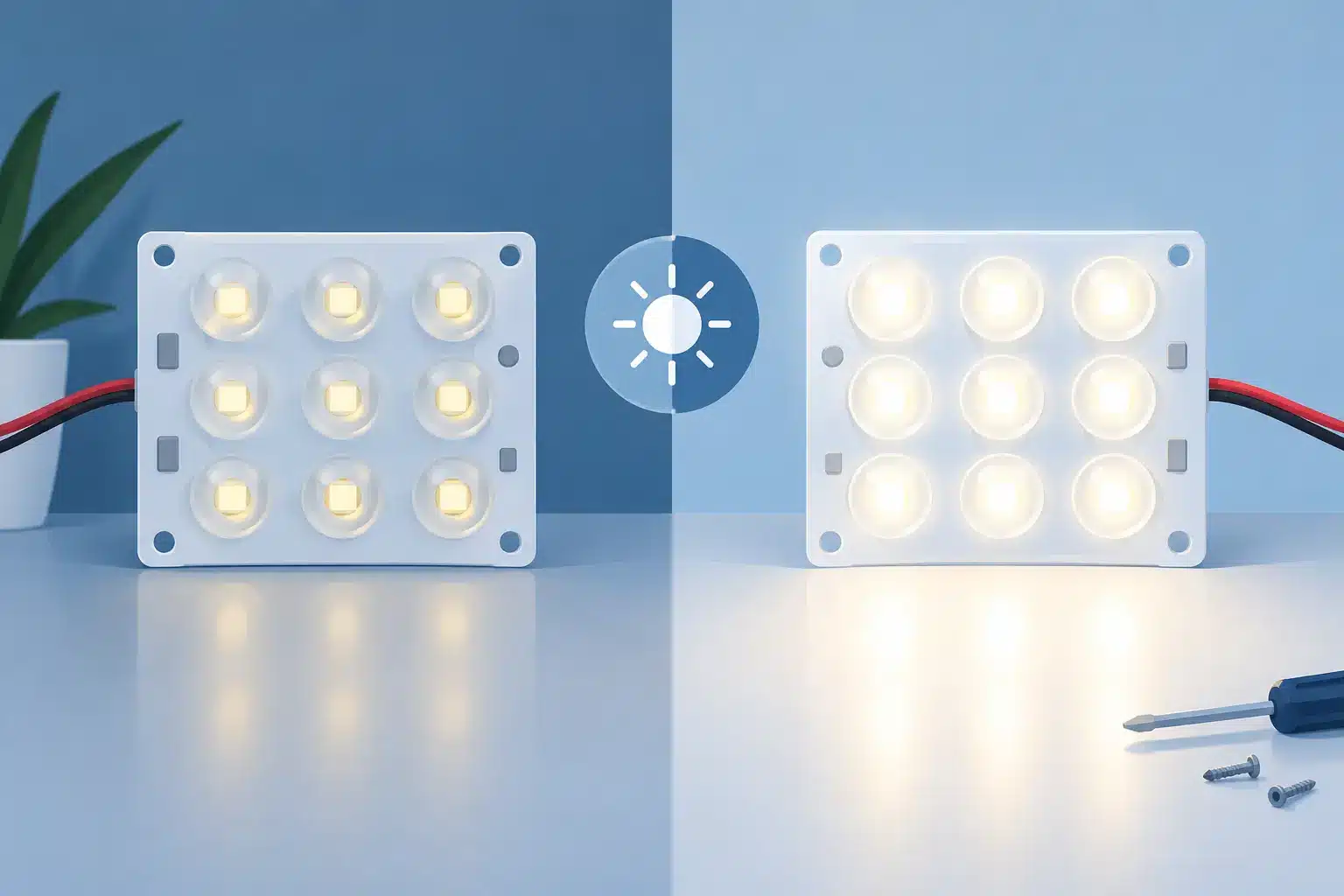
A repaired LED module can look indistinguishable from the rest of the wall, but that result is not automatic. When clients ask, do repaired modules match brightness, the accurate answer is: they can, provided the repair addresses the actual cause of the mismatch and the module is tested in the conditions where it will operate.
For a rental wall, a casino display, or a corporate video wall, “working” is not the same as acceptable. A module that powers on but appears slightly brighter, darker, warmer, or greener than adjacent modules can be just as disruptive as a dead section of the display. The visibility of that difference depends on pixel pitch, viewing distance, camera use, content, ambient light, and the wall’s age. On a dark gray background or a slow camera pan, even a small uniformity issue can become obvious.
Do Repaired Modules Match Brightness After Repair?
A properly repaired module may match its neighboring modules very closely, but brightness matching depends on more than the replacement LED or repaired component. Professional LED modules are assemblies of LEDs, driver ICs, PCB traces, scan circuitry, calibration data, and optical materials. A fault in any of those areas can affect how the module presents color and light output.
The first question is whether the brightness difference was caused by the repair-related failure at all. A dim area may come from failed LEDs, degraded driver ICs, a damaged current-setting circuit, a poor connector, receiving-card configuration, power distribution, or incorrect calibration data. Replacing an LED without diagnosing the current path, for example, can leave the underlying problem in place.
Brightness can also vary because the existing wall has aged. LEDs gradually lose output over time, and different colors do not always age at the same rate. A new replacement LED may be capable of producing more light than its older neighbors. That does not mean the repair is defective. It means matching requires consideration of the condition of the installed inventory, not just the specification of a new component.
What Determines Whether a Repair Blends In?
LED binning and component selection
LED manufacturers sort components into bins based on characteristics such as brightness, forward voltage, and color wavelength. Two LEDs with the same package size and nominal color can still produce visibly different results if their bins differ. This is one reason generic replacement components can create a patchy appearance, even when every pixel functions.
For component-level repair, the goal is to select replacement LEDs that are appropriate for the module’s original design and as close as practical to the existing pixel population. The same principle applies to driver ICs and supporting components. Equivalent-looking parts are not always electrically or optically equivalent in a professional LED display.
Matching becomes more challenging when the original LED package is obsolete, the module has substantial operating hours, or prior repairs have introduced mixed components. In those cases, a technically sound repair may still need calibration or a broader replacement decision to achieve the visual standard required for a camera-facing or premium installation.
Driver performance and current control
An LED’s apparent brightness is strongly influenced by the current delivered by the driver circuit. A damaged driver IC can affect one pixel, a row, a column, or a larger pattern depending on the module design. Faulty resistors, corroded traces, weak solder joints, and connector issues can produce similar symptoms.
This is why component-level diagnostics matter. If a module is dim because of an unstable current path, replacing only visible failed LEDs may provide a temporary improvement without restoring consistent output. Proper repair work verifies the surrounding circuit, not just the component that first appears damaged under visual inspection.
Scan behavior matters as well. Some faults only present under certain brightness levels, refresh settings, frame rates, or grayscale values. A module that looks acceptable on a bench at full white may reveal flicker, color shift, or uneven low-gray performance when installed in a live wall.
Calibration data and wall configuration
Many professional LED systems use factory calibration data to correct module-to-module variation. Depending on the platform, that data may be stored in the module, receiving card, controller configuration, or calibration files used by the display system. If the data is missing, corrupted, or applied incorrectly, a healthy module can look noticeably different from the wall around it.
Calibration is particularly relevant when a repaired module has had LEDs replaced or when it is moved to a different cabinet position. Correct module mapping, receiving-card settings, brightness limits, and color-temperature configuration all need to be confirmed before concluding that the hardware itself is mismatched.
Calibration can reduce visible variation, but it cannot fully correct every hardware issue. If an LED package has a substantially different spectral output or the driver circuit is not operating correctly, software adjustment has limits. The best results come from sound component repair followed by correct system-level configuration.
Age, environment, and panel history
A display wall is rarely made up of modules with identical service histories. Rental inventory may have modules from different production runs. A fixed installation may have areas exposed to more heat, sunlight, humidity, or operating hours than others. Modules near power supplies or ventilation paths can age differently from the center of a wall.
Previous field repairs also matter. A wall with several generations of replacement LEDs, mixed module revisions, or undocumented work may require more investigation than a single damaged module from a consistent batch. This is not a reason to avoid repair. It is a reason to establish realistic visual expectations and make decisions based on the application.
A slight variation that is not visible at normal viewing distance in a lobby may be unacceptable for an on-camera broadcast set. The operating environment should guide the repair and QC standard.
How Professional QC Verifies Brightness Matching
Reliable results require more than checking whether pixels illuminate. A useful QC process begins with inspection of the module and surrounding circuitry, including the affected pixels, driver components, solder joints, pads, traces, connectors, and signs of impact or liquid damage.
After repair, the module should be exercised with controlled test patterns. Full-field red, green, blue, white, black, and grayscale patterns help identify color imbalance, dim pixels, stuck pixels, row or column faults, and low-gray irregularities. Patterns should be viewed at multiple brightness levels because certain faults are more visible below full output.
Where the display platform allows it, the repaired module should also be checked in the target cabinet or against known-good neighboring modules. That comparison is more meaningful than a standalone power-on test. It confirms not only pixel operation but also how the repair performs within the actual signal path, scan settings, and power environment.
Documentation has practical value here. For professional AV teams, a record of the identified fault, repair performed, components replaced, and final test results helps maintain inventory history and makes future troubleshooting more efficient. It also helps separate recurring system-level problems from isolated module damage.
When a Repaired Module May Not Match Perfectly
There are cases where repair is the right technical and financial decision, yet a perfect visual match is not realistic. Significant wall aging is one. An obsolete LED package is another. Damage affecting a large number of pixels across multiple color channels may make module replacement or recalibration more practical than extensive spot repair.
There is also a point at which repeated failures indicate a wider issue. If multiple modules show similar brightness loss, intermittent behavior, or driver faults, the cause may be power quality, heat, controller configuration, handling damage, or a known weakness in a particular module revision. Repairing each symptom individually without investigating the pattern can increase downtime and cost.
A qualified evaluation should clarify the options: component repair, module replacement, recalibration, cabinet-level troubleshooting, or a broader inventory plan. The appropriate choice depends on availability, show schedule, visual requirements, and the remaining service life of the display.
The Practical Standard for Professional LED Walls
The standard is not simply whether a repaired module lights up. It is whether it performs consistently enough for the job: stable pixels, correct color behavior, appropriate brightness, reliable signal response, and no distracting visual discontinuity in normal use.
With 14 years of technical service supporting professional AV organizations, 725Co. approaches module repair as part of the larger display system. Component selection, microscope-level soldering, circuit diagnosis, controlled testing, and documented QC all contribute to a repair that protects usable inventory rather than creating another variable for the next show.
Before retiring a module or ordering an expensive replacement, evaluate the fault in context. A well-diagnosed repair can return a module to service with strong visual consistency, while a quick parts swap can leave the real brightness problem behind.

Jose de Jesus Martinez (Chuy) is the CEO of 725co. LED Repair Professionals, a trusted name in high-quality LED module repair and video wall services. With over 12 years of experience and certification as an electronic engineer, Chuy has built a reputation for excellence, partnering with industry leaders. Under his leadership, 725co is known for precision repairs, transparent service, and a commitment to protecting the long-term value of LED investments.