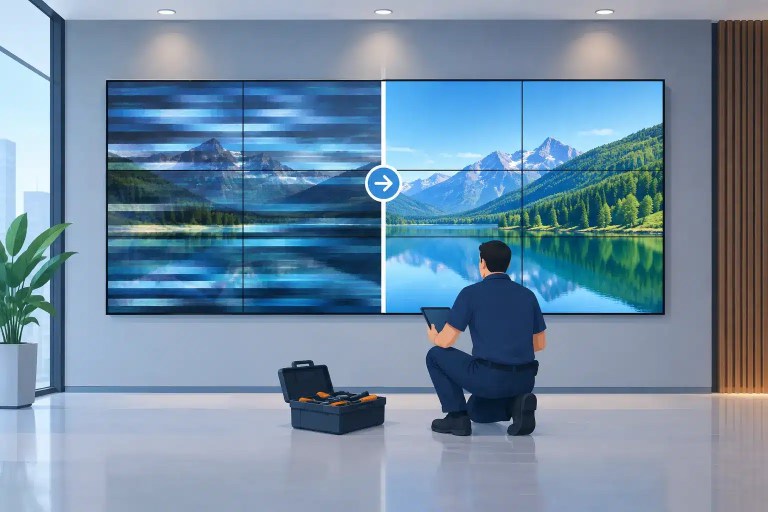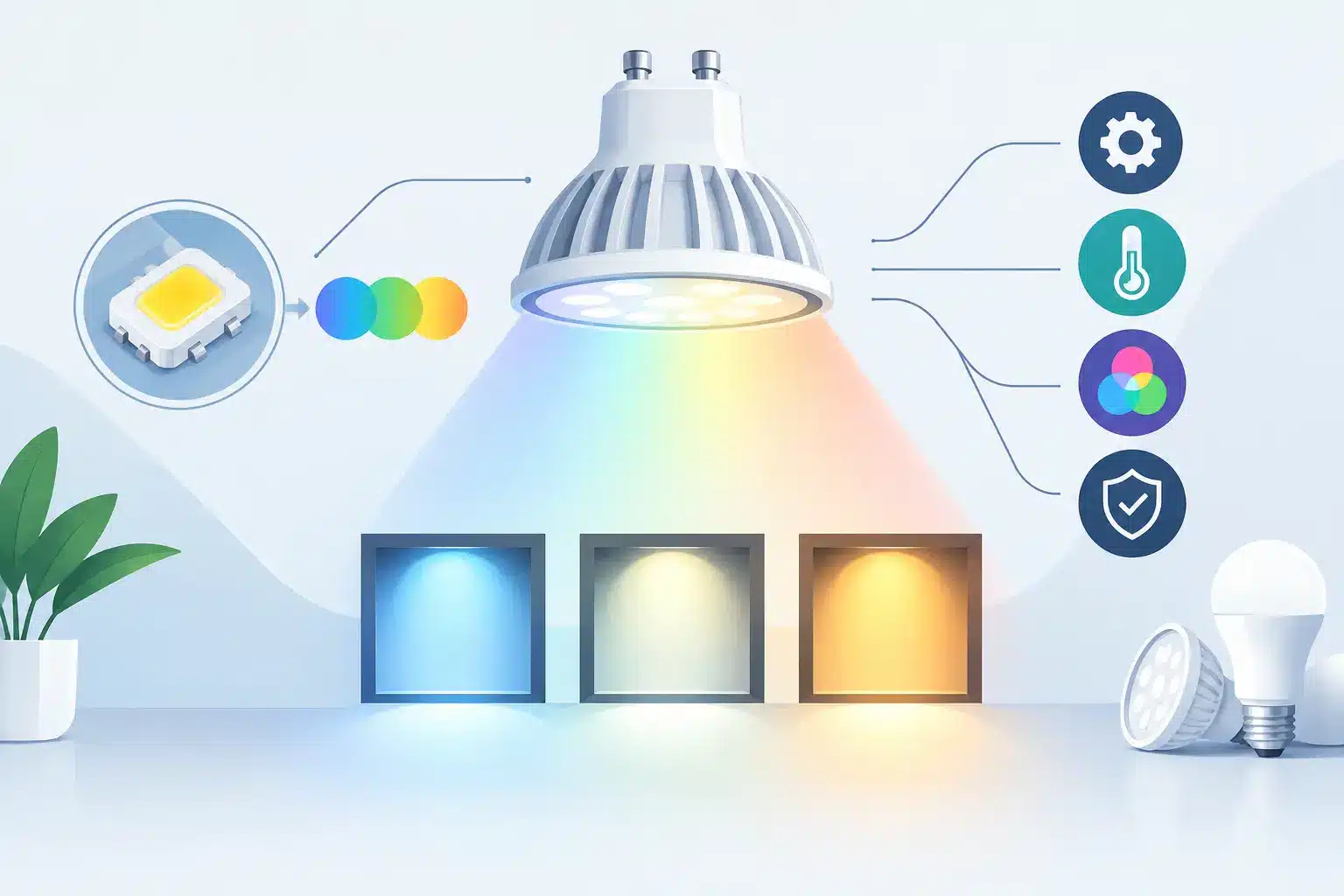
A color mismatch that looks minor in a warehouse can become painfully obvious on camera or across a 40-foot LED wall. One module may read slightly green, a repaired corner may look warmer than the surrounding cabinets, or a section may shift when brightness changes. If you are asking, “why are LEDs color shifted,” the answer is rarely as simple as a bad pixel. In professional LED systems, visible color shift can come from the LED package, the module electronics, the receiving and processing chain, calibration data, heat, or a combination of those factors.
The practical concern is not only appearance. Color inconsistency can reduce the usable value of rental inventory, compromise a permanent installation, create client-facing problems during a show, and lead to unnecessary panel replacement if the fault is not diagnosed correctly.
Why Are LEDs Color Shifted in Professional Displays?
An LED display creates white and full-color images by balancing red, green, and blue emitters at controlled drive levels. When one part of that balance changes, the human eye notices. A small reduction in blue output can make a module look yellow or warm. Excess green can make skin tones look sickly. A red channel issue may present as magenta, cyan, or a general loss of color depth, depending on what has failed.
The first diagnostic question is whether the issue follows a physical module, a cabinet position, a signal path, or a specific image condition. That distinction matters. A module that remains off-color after being moved to another cabinet points toward the module itself. A color issue that stays in the same wall location after modules are swapped suggests a receiving card, hub board, cable, power, controller configuration, or processing issue.
A reliable diagnosis also requires viewing the wall with controlled test patterns. Full white, red, green, blue, low-gray, and grayscale patterns reveal different types of faults. A module can appear acceptable on a bright white image but show obvious color separation at low brightness or in dark camera shots.
LED Binning and Replacement-Part Mismatch
Not all LEDs of the same stated specification produce identical color and brightness. During manufacturing, LED packages are sorted into bins based on characteristics such as wavelength, luminous intensity, and electrical behavior. Reputable display manufacturing accounts for this through module production and calibration, but replacement LEDs must still be selected carefully.
When a technician replaces individual LEDs on a module, an incorrect bin can stand out even when the repair is electrically sound. The repaired pixel may be brighter, dimmer, warmer, cooler, or slightly different in hue from adjacent pixels. On fine-pitch displays, the difference can be visible at normal viewing distance. On camera, it may become more pronounced.
This is why component-level repair is not simply a matter of installing a physically compatible LED package. The package specification, color bin, brightness class, optical behavior, and placement quality all affect the final result. The same principle applies when mixing modules from different manufacturing runs. Even genuine modules may vary enough to require calibration before they visually match an existing wall.
Heat, Age, and Uneven Operating History
LEDs do not age at exactly the same rate. Blue LEDs commonly lose output faster than red or green over long operating periods, which can make an older display gradually appear warmer. However, uneven aging is often more visible than overall aging. A few modules may have run at higher brightness, operated in a hotter area of the wall, or accumulated significantly more hours than the rest of the display.
Thermal conditions can accelerate the problem. Restricted airflow, failed fans, heat from nearby equipment, high ambient temperatures, or a cabinet power issue can increase stress on LEDs and driver components. Heat can also cause a temporary color change that becomes more apparent after the wall has been running for an hour or more.
For rental inventory, it is worth documenting whether the color shift appears cold, only after warm-up, or only at a particular brightness level. A fault that develops as the module heats up may point toward a marginal driver IC, power regulation issue, solder-joint problem, or damaged LED rather than a simple calibration mismatch.
Calibration Data Can Be Missing or Incorrect
Many professional LED displays rely on calibration coefficients to compensate for normal variation among LEDs and modules. Depending on the system, those coefficients may be stored in module memory, handled through the receiving-card ecosystem, or loaded through manufacturer software.
If calibration data is missing, overwritten, incompatible, or applied incorrectly, modules can look noticeably different despite having no hardware failure. This often happens after module replacement, controller changes, cabinet configuration work, or an incomplete restoration of the display configuration.
Calibration is not a universal fix, however. Software can compensate for manageable output variation, but it cannot restore an aged blue LED, correct a failing driver channel, or make an unmatched replacement module identical to a heavily used wall. Before recalibrating, the display should be checked for hardware faults and the correct configuration files should be verified. Otherwise, calibration can mask the real issue temporarily while the underlying failure continues.
Brightness Settings and Low-Gray Performance
A wall may look color-balanced at 100% brightness and still fail at 10% or 20%. Low-gray behavior is particularly important for broadcast, corporate presentations, dark scenic content, and camera-facing event work. At low drive levels, differences in driver IC response, gamma settings, LED aging, and calibration can create color casts that are not obvious on bright test patterns.
Processor settings, gamma curves, color temperature targets, and grayscale configuration should be reviewed when the shift appears globally across the display. If the issue affects only one module or a small group of modules, the investigation should move closer to the hardware.
Driver IC and PCB-Level Faults
A module can be color shifted even when its LEDs are intact. Driver ICs control the current delivered to LED channels. A weak, damaged, or marginal output can change the brightness of one color channel across a pixel group, row, column, or entire module. Depending on the module design, the pattern may be subtle, intermittent, or tied to certain brightness values.
Other module-level causes include damaged traces, corroded pads, poor prior soldering, failed passive components, unstable voltage regulation, and compromised data connections. Physical impact can also create faults that do not look like obvious pixel damage. A cabinet may power up normally but display a localized tint, flicker, or shift that appears only during motion content.
This is where module swapping and controlled testing become valuable. If a suspect module follows the issue, component-level inspection can identify whether the defect is in the LED package, driver circuit, data path, or power circuitry. Replacing the entire module may be appropriate when a matching spare is available and calibrated. When it is not, targeted repair can be the more practical path, particularly for discontinued product, older rental inventory, or displays where replacement lead times are a problem.
Signal, Receiving Card, and Processor Causes
Not every color issue starts on the module. A damaged Ethernet cable, poor connector, receiving-card fault, incorrect mapping, firmware mismatch, or processor configuration issue can alter how data reaches a section of the wall. These faults may cause a color shift across one or more cabinets, color-channel dropout, incorrect grayscale, or inconsistent behavior between inputs.
The symptom pattern provides useful evidence. If the affected area is a clean cabinet-sized block and changes when data cables are rerouted, inspect the signal path. If every cabinet looks too warm or too cool, review processor output settings, color temperature, source content, and display profiles before assuming every module has aged at once.
A proper diagnosis should include known-good test content, cable substitution where appropriate, cabinet and module swaps, configuration verification, and visual inspection under repeatable conditions. Guessing at the cause can turn a correctable controller or configuration issue into an expensive module order.
How to Handle Color-Shifted LED Modules
Start by documenting the symptom before moving parts. Photograph the wall with neutral test patterns, note brightness settings, record the processor and receiving-card configuration, and identify whether the condition changes as the display warms up. For high-value inventory, keep a record of module serial numbers, repairs, calibration status, and operating history where possible.
Avoid mixing uncalibrated replacement modules into a client-facing wall without checking them under the same settings as the installed inventory. Also avoid treating every off-color module as an LED-only problem. Replacing LEDs without validating driver performance, PCB condition, and calibration can leave the visible defect in place.
For organizations managing professional LED assets, the decision is usually a balance of availability, wall age, visual expectations, and event risk. A single localized repair may be appropriate for a matched, otherwise healthy wall. Widespread aging may justify recalibration, strategic module rotation, or a planned replacement program. The right choice depends on what the display must do next, not just what it looks like on a bench.
725Co. approaches color-shift problems by isolating the source before recommending a repair path, then verifying the result through documented QC and final testing. That process helps distinguish a repairable module fault from a calibration, controller, or broader system issue.
When an LED wall has to look consistent under show conditions, color shift deserves more than a quick visual judgment. A controlled diagnosis protects uptime, preserves usable inventory, and gives the next repair or replacement decision a technical basis.

Jose de Jesus Martinez (Chuy) is the CEO of 725co. LED Repair Professionals, a trusted name in high-quality LED module repair and video wall services. With over 12 years of experience and certification as an electronic engineer, Chuy has built a reputation for excellence, partnering with industry leaders. Under his leadership, 725co is known for precision repairs, transparent service, and a commitment to protecting the long-term value of LED investments.