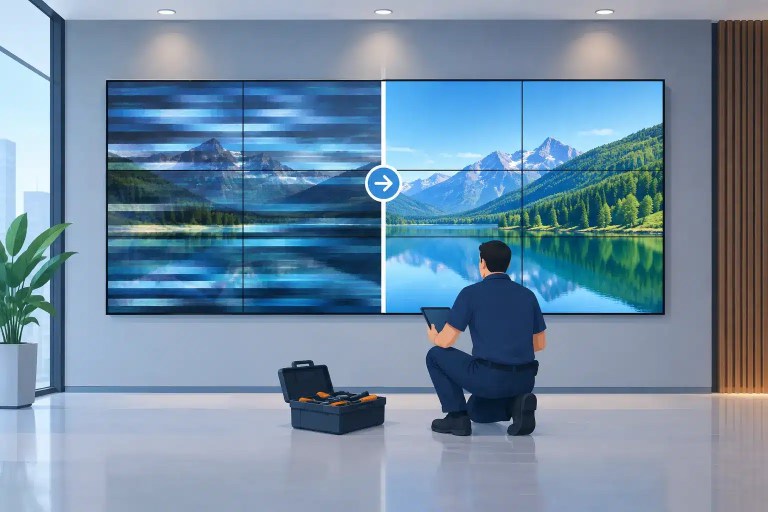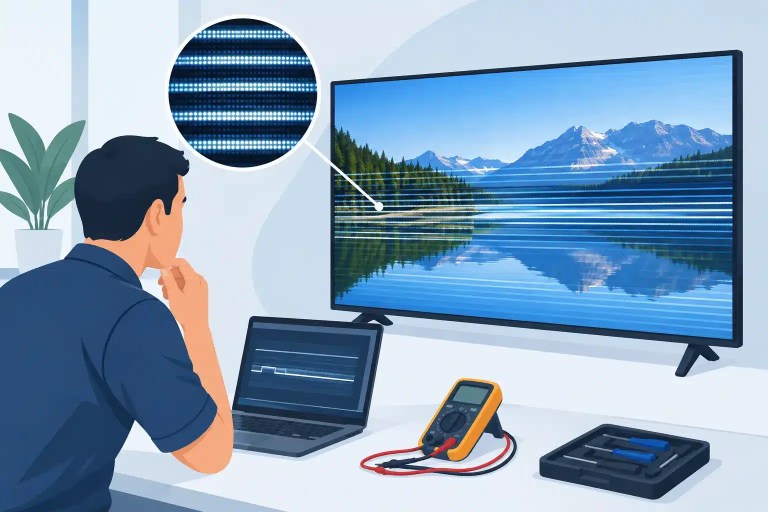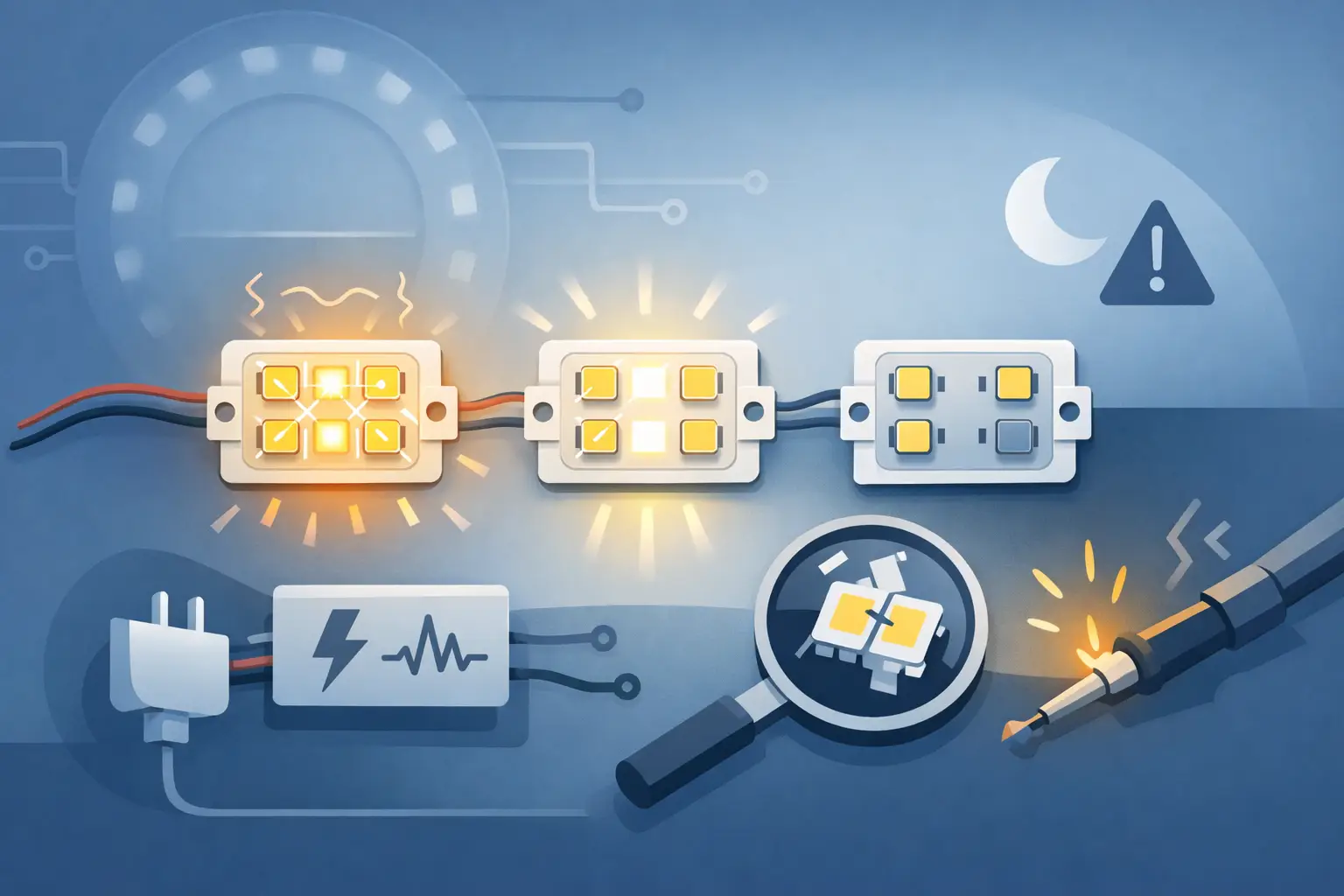
A module that flickers for two seconds during a bench check can become a visible distraction across a 30-foot wall once cameras are rolling. Why do LED modules flicker? In professional LED systems, the answer is rarely just “a bad module.” Flicker can begin in the module, but it can also be caused by unstable power, a marginal ribbon cable, receiving-card configuration, processor output, grounding, scan timing, or an intermittent PCB-level failure.
The fastest way to waste time and inventory is to swap modules until the symptom appears to disappear. A proper diagnosis isolates the failure path first. That matters when a wall is headed to a show floor, a casino installation must remain presentable, or rental inventory needs to return to service with a justified level of confidence.
Why Do LED Modules Flicker in Professional LED Walls?
LED flicker is not one symptom. It may appear as a full-module flash, a horizontal band that pulses, random pixel shimmer, intermittent dimming, color instability, or an image that breaks up only at certain refresh rates or brightness settings. Each pattern can point toward a different part of the system.
A module that flickers consistently in the same physical location may have a local power, connector, PCB, or driver IC issue. If the problem follows the module when it is moved, the module itself becomes the leading suspect. If the problem remains in the cabinet position after the module is exchanged, the issue is more likely in cabinet power distribution, data routing, the hub board, receiving card, or a damaged interconnect.
Flicker that affects multiple cabinets or an entire output path deserves a broader look. A processor setting, source-frame mismatch, receiving-card configuration, Ethernet run, or grounding condition can create symptoms that resemble module failure. Replacing modules in that situation may add cost without resolving the underlying issue.
Power Instability and Poor Connections
Every LED module depends on stable DC power. A voltage drop, overloaded supply, weak connector, oxidized contact, damaged power harness, or failing cabinet distribution board can cause the module to pulse, dim, or reset under load. The issue may only appear when the wall displays a bright image, a white test pattern, or high-content motion that raises current demand.
A quick voltage check at an unloaded connector is not enough. Professional diagnosis compares power behavior at the affected module while the system is operating under representative brightness and content conditions. Intermittent connections can pass a basic continuity test yet fail when heat, vibration, or current load changes the contact resistance.
Common physical causes include partially seated module plugs, stressed ribbon cables, damaged connector housings, cracked solder joints at power inputs, and fatigue in cabinet harnesses. Rental panels are especially vulnerable because repeated assembly, transport, and flexing can create faults that are not obvious from the front of the display.
Grounding can also complicate the picture. A poor ground reference or ground-loop condition may introduce noise that affects control signals or makes a marginal system unstable. This is not the first diagnosis for every flicker complaint, but it should not be ignored when the fault changes between venues, power sources, or system configurations.
Signal Path, Scan Settings, and Refresh Problems
LED walls operate as coordinated systems. The processor sends content, receiving cards distribute data, hub boards route it, and driver ICs scan the LEDs at high speed. A mismatch or interruption anywhere in that chain can present as flicker.
Configuration errors often appear after a cabinet replacement, receiving-card swap, firmware change, or system rebuild. Incorrect module parameters, scan rate, color settings, mapping, or calibration data can create unstable images, missing rows, brightness differences, and flicker that looks like hardware damage. The correct configuration is specific to the panel and module design. A setting that works on a similar-looking product may be wrong for the wall in front of you.
Input and processor conditions matter as well. Source frame rate, output timing, genlock requirements, scaling settings, and processor capacity can affect visible performance. A wall may look acceptable to the eye but show flicker on camera because the display refresh behavior and camera shutter are interacting poorly. That is a system-performance issue, not necessarily a failed LED module.
When one data chain is affected, technicians should inspect the path methodically: processor output, Ethernet cable, receiving card, hub board, flat cable, and module data input and output. A damaged outgoing data connection can make one module appear faulty while actually affecting modules downstream.
Driver IC and PCB-Level Module Failures
When flicker follows a particular module, component-level faults become more likely. Driver ICs, shift registers, decoupling capacitors, current-control components, data buffers, and power-regulation circuits all influence how a module refreshes and displays color.
A failing driver IC may cause repeating columns or rows to flash, color channels to pulse, or pixels to respond inconsistently as the module warms up. A cracked solder joint can create a fault that comes and goes when the module is handled, installed under tension, or exposed to normal operating heat. Damaged copper traces, lifted pads, corrosion, and prior poor-quality rework can produce similar intermittent behavior.
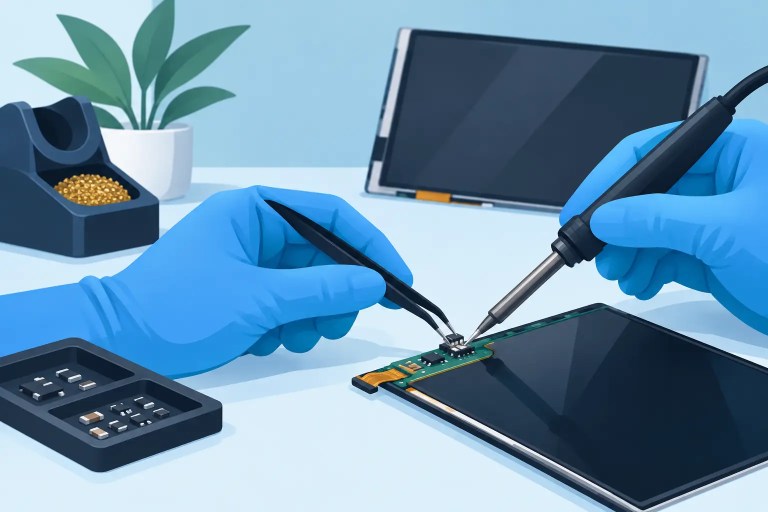
This is where replacement-only troubleshooting can fall short. A module can be electrically damaged even when no component looks burned or visibly broken. Proper repair may require microscope inspection, signal tracing, measurement at key points on the PCB, removal of failed components, precision soldering, and retesting under operating conditions.
Not every module is a practical repair candidate. Severe PCB damage, unavailable components, extensive corrosion, or repeated failures caused by an unresolved cabinet issue may make replacement the better decision. The key is determining that before committing time and money to the wrong remedy.
Heat, Brightness, and Intermittent Flicker
A wall that flickers only after it has been on for 20 minutes is providing useful diagnostic information. Heat can expose weak driver ICs, failing capacitors, marginal power supplies, cracked solder joints, and components that drift outside their normal operating range.
Brightness is another useful variable. If flicker appears only at high brightness, investigate load-related power delivery first, then examine the module’s local regulation and driver circuitry. If it appears at low brightness or in dark grayscale content, the issue may involve calibration, low-gray performance, driver behavior, or configuration.
Technicians should document when the failure occurs: at startup, after warm-up, only on white, only on video, only at a specific refresh setting, or only in a particular cabinet position. Those details reduce guesswork and help separate an intermittent hardware fault from a system-level condition.
A Practical Diagnostic Sequence
A disciplined approach starts by defining the symptom rather than immediately replacing the visible problem. Capture photos or video, note the cabinet location, record the processor and receiving-card configuration, and test the wall with known patterns. Solid red, green, blue, white, black, grayscale, and motion content can reveal different failure signatures.
Next, determine whether the fault follows the module. Exchange it with a known-good module only when it is safe to do so and record the result. If the fault stays with the cabinet position, inspect cabinet power, data routing, hub hardware, and receiving-card output before condemning the module.
If the fault follows the module, test it in a known-good cabinet and evaluate it through warm-up and brightness changes. Inspect connectors and PCB condition, then move to component-level diagnosis when the pattern supports it. Repaired modules should not be returned to inventory after a single power-on check. They should receive functional testing, visual inspection, and documented QC that evaluates stable output, color behavior, and connection integrity.
Avoid the Repairs That Create Repeat Failures
A flickering module can be made worse by rushed field work. Excessive heat during soldering can lift pads or damage nearby components. Incorrect driver IC substitutions can create color, scan, or brightness problems. Replacing a module without addressing a damaged cabinet connector can send the same fault into the replacement.
The same applies to configuration. Loading generic receiver settings or copying parameters from a different pixel pitch may make the wall light up, but it does not prove that the system is configured correctly. For professional displays, “it turns on” is not an acceptable final test. The standard is appropriate, stable performance under the conditions where the wall will actually be used.
For teams managing high-value LED inventory, flicker should be treated as a diagnosable system symptom, not an automatic replacement order. 725Co. approaches these failures with component-level inspection, controlled testing, and documented QC so repair decisions are based on evidence. That gives operators a clearer path to improving reliability while protecting uptime, presentation quality, and the useful life of the display assets they already own.

Jose de Jesus Martinez (Chuy) is the CEO of 725co. LED Repair Professionals, a trusted name in high-quality LED module repair and video wall services. With over 12 years of experience and certification as an electronic engineer, Chuy has built a reputation for excellence, partnering with industry leaders. Under his leadership, 725co is known for precision repairs, transparent service, and a commitment to protecting the long-term value of LED investments.