A panel that runs hot at the shop may still look acceptable on a test pattern. Put that same panel into a tightly packed wall, run it at event brightness for several hours, and the failure can become much more visible. Understanding why LED panels overheat helps AV teams separate a normal operating condition from a developing issue that can affect brightness consistency, color, module life, and show-day reliability.
Heat is not automatically evidence of a failed panel. Professional LED displays generate heat through LEDs, driver ICs, power supplies, receiving cards, and associated circuitry. The concern is excessive, uneven, or increasing temperature – especially when it appears alongside flickering, intermittent pixels, dim areas, color shifts, repeated module failures, or unexpected shutdowns.
For rental inventory, permanent installations, and live production systems, the right response is not simply to replace the hottest module. The practical question is what is creating the heat, whether it is isolated or systemic, and what needs to be corrected before the same fault damages another panel.
Why LED Panels Overheat Under Real Operating Conditions
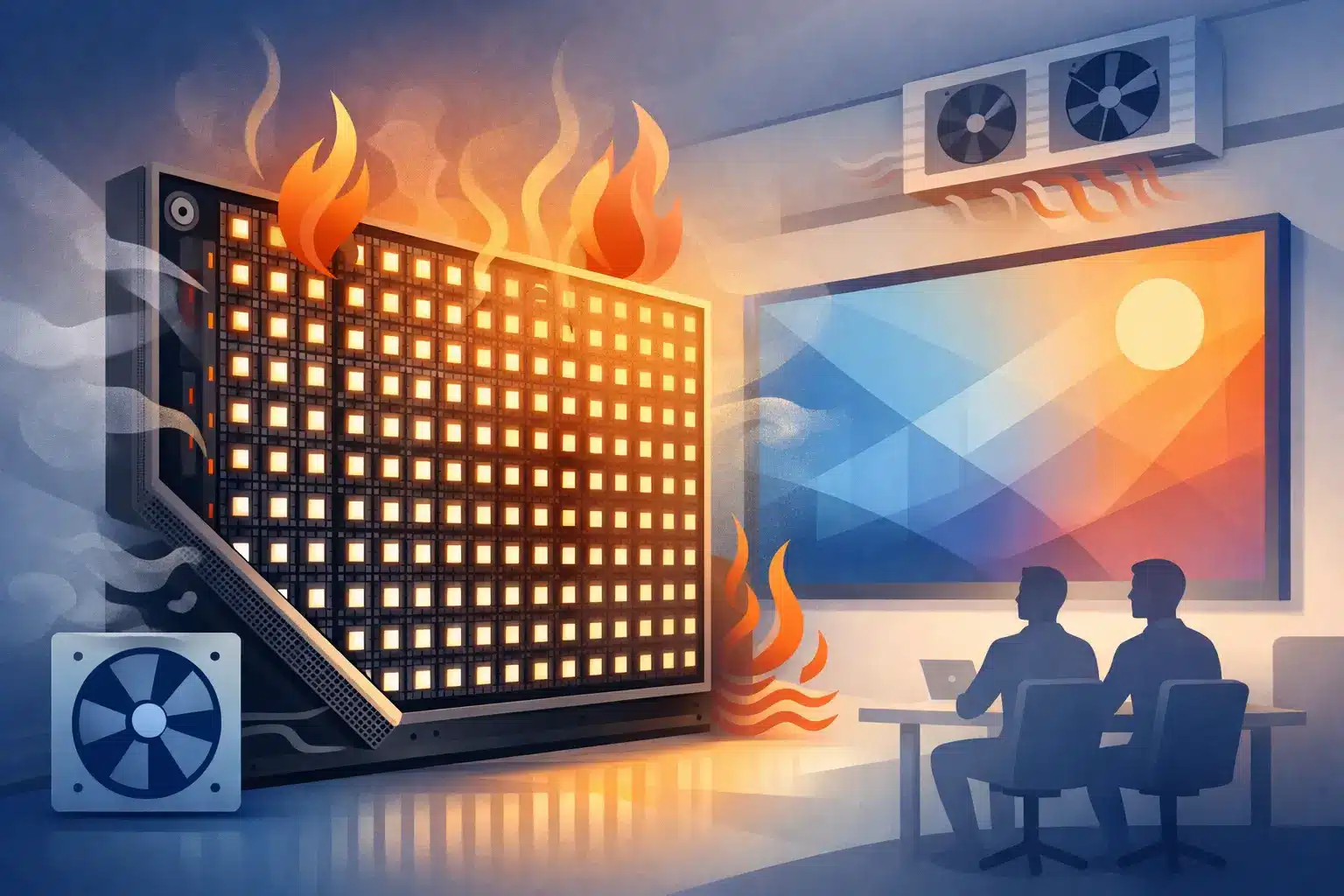
LED panels overheat when the heat produced by the system exceeds the heat the cabinet and surrounding environment can dissipate. That imbalance can come from operating conditions, electrical problems, mechanical restrictions, or a component-level fault within the module.
High brightness and demanding content
Brightness has a direct effect on power draw and thermal load. A wall operating near maximum brightness, particularly with sustained white or high-average-brightness content, places more demand on LED packages, driver ICs, and power distribution components than darker or mixed-content playback.
This does not mean high brightness is inherently wrong. Outdoor displays and high-ambient-light applications may require it. However, a brightness setting appropriate for daylight can be excessive for an indoor ballroom, retail environment, or darkened venue. If the display supports brightness scheduling, ambient-light control, or carefully managed processor settings, those tools can reduce thermal stress without compromising the audience experience.
Content matters as well. A wall that performs normally during a short configuration check may run much warmer during a four-hour program with bright graphics, white backgrounds, or high-frame-rate video. Testing should reflect actual operating conditions whenever possible.
Restricted airflow around the display
Cabinet cooling depends on the design of the product. Some panels use passive heat dissipation through the cabinet structure, while others rely on fans, vents, or open space around rear components. When a wall is built against a surface that blocks vents, enclosed in millwork without adequate ventilation, or packed too tightly in a road case while powered, normal heat has nowhere to go.
Dust accumulation can make the problem worse. Dust on fans, air paths, power supplies, and heat sinks reduces airflow and insulation-free heat transfer. In permanent installations, a clean display face does not necessarily mean the rear of the system is clean enough to cool properly.
Environmental temperature also changes the equation. A panel that is stable in a climate-controlled prep area may become marginal in a sun-exposed lobby, an outdoor enclosure, a hot loading dock, or a venue with limited HVAC. The display is part of the room’s heat load, not separate from it.
Power supply and power distribution faults
Power issues are among the most consequential causes of abnormal heat. A failing power supply may operate inefficiently, deliver unstable output, or run hotter than comparable supplies in the same wall. Loose or damaged connectors, compromised wiring, oxidized contacts, and overloaded circuits can create resistance. Resistance produces heat, often at connection points that may not be obvious from the front of the display.
A panel with a power-related issue may show more than elevated temperature. Operators may see intermittent resets, localized dimming, flashing, scan anomalies, or modules that fail after reaching operating temperature. In other cases, the only early sign is a warmer-than-normal cabinet or connector.
Power supply replacement can be the correct repair, but it should not be automatic. A technician should determine whether the supply is the source of the problem or reacting to excessive load from another fault on the module or cabinet.
Driver IC, PCB, and module-level failures
Driver ICs regulate current to the LEDs. When a driver IC, associated component, or PCB trace is damaged, the result can be irregular current flow and concentrated heat. This may be localized to one area of a module, one scan section, or a component that appears visibly discolored under inspection.
Previous repair work can also contribute. Excessive solder, lifted pads, damaged traces, incorrect component values, poor thermal contact, or non-matching replacement parts can create intermittent and heat-related failures. A module may pass a quick bench test but become unstable after expansion and contraction from extended operation.
This is where component-level diagnostics matter. Replacing an entire module may restore the image temporarily, but it does not necessarily identify whether the removed module has a repairable IC, PCB, connector, or power-path issue. For organizations managing substantial inventory, that distinction can affect both replacement planning and recurring-failure prevention.
Signal and configuration conditions that increase load
Not every heat issue starts with hardware. Incorrect configuration, poor calibration data, unusual receiving card settings, or processing choices can drive a display harder than intended. Refresh rate, scan configuration, current gain, brightness limits, and cabinet mapping should align with the manufacturer-approved setup for that product.
A configuration error is less likely to create a single hot component than a failed IC or connector. It can, however, cause a broader thermal issue across modules or cabinets. When multiple panels run hotter than expected, the diagnosis should include the processor, receiving cards, firmware compatibility, and display configuration rather than focusing only on individual modules.
What Excessive Heat Can Damage
Repeated exposure to excessive heat accelerates material and component aging. LEDs can lose brightness and shift in color over time. Driver ICs, capacitors, power supplies, connectors, and solder joints can become less reliable. The practical result is often not one clean failure, but a growing pattern of intermittent faults that consumes prep time and erodes confidence in rental inventory.
Thermal cycling is particularly hard on LED modules. A cabinet heats during operation, cools during storage or transport, then heats again on the next job. Over time, that movement can expose weak solder joints, stressed connectors, and marginal components. If a panel only fails after warm-up, temperature is not just a symptom. It is a useful diagnostic condition.
For high-visibility applications, heat can also affect presentation quality before an outright failure occurs. Uneven brightness, color inconsistency, image artifacts, and isolated dark sections are operational problems even when the wall remains technically online.
A Practical Diagnostic Approach for Overheating Panels
The first step is to compare, not guess. Check the suspect cabinet against adjacent cabinets operating with the same content, brightness, signal path, and environmental conditions. A meaningful temperature difference can point toward a localized defect. A wall-wide increase points more toward airflow, configuration, power distribution, or environmental conditions.
A disciplined evaluation typically includes these checks:
- Verify brightness, content type, processor settings, receiving card configuration, and power loading.
- Inspect cabinet vents, fans, air paths, power supplies, connectors, and visible signs of heat discoloration or contamination.
- Run the panel long enough to reproduce the issue under a realistic load, then compare module and component temperatures across the cabinet.
- Test power outputs and signal behavior while the fault is present, not only when the panel is cold.
- Inspect the affected module at component level for damaged driver ICs, compromised solder joints, PCB faults, and connector-related issues.
Thermal imaging can be useful, but it is not a complete diagnosis by itself. A hot area tells a technician where to investigate. It does not confirm whether the source is a failed component, a poor connection, a load imbalance, or inadequate cooling around an otherwise healthy component.
When Repair Is the Practical Choice
If overheating is tied to a discrete module fault, driver IC failure, damaged PCB area, connector issue, or repairable power-path defect, component-level repair may be more practical than immediately scrapping the panel. This is especially relevant for discontinued products, matched inventory, custom installations, and rental fleets where replacing one cabinet may introduce calibration or availability challenges.
Repair is not always the right answer. Extensive thermal damage, repeated damage from an unresolved systemic problem, compromised cabinet structure, or unsupported parts availability may make replacement the better operational decision. The goal is to make that decision with evidence rather than replacing panels until the symptoms disappear.
For professional AV teams, documentation matters as much as the immediate fix. Recording the failure symptoms, affected components, test conditions, repair work, and final QC results makes it easier to track recurring patterns across an inventory. With 14 years of technical service supporting organizations including Freeman, 4Wall, and PRG, 725Co. approaches these issues as reliability problems to diagnose and document, not just visible defects to cover up.
Before the next deployment, give suspect panels a realistic run test at the intended brightness and content load. A display that remains thermally stable under those conditions gives your team a far better basis for putting it back into service.

Jose de Jesus Martinez (Chuy) is the CEO of 725co. LED Repair Professionals, a trusted name in high-quality LED module repair and video wall services. With over 12 years of experience and certification as an electronic engineer, Chuy has built a reputation for excellence, partnering with industry leaders. Under his leadership, 725co is known for precision repairs, transparent service, and a commitment to protecting the long-term value of LED investments.